
How to Operate and Manage Your APU Unit: A Step-by-Step Guide
In this guide, we’ll walk you through how to use and maintain your Auxiliary Power Unit (APU). Whether you’re new to APUs or just need a refresher, this will help you operate the unit effectively and keep it in top condition.
In this example, we are talking specifically about the Thermo King Tripac Evolution APU that comes on every truck that is sold at Pedigree Truck & Trailer Sales. Let’s dive in!
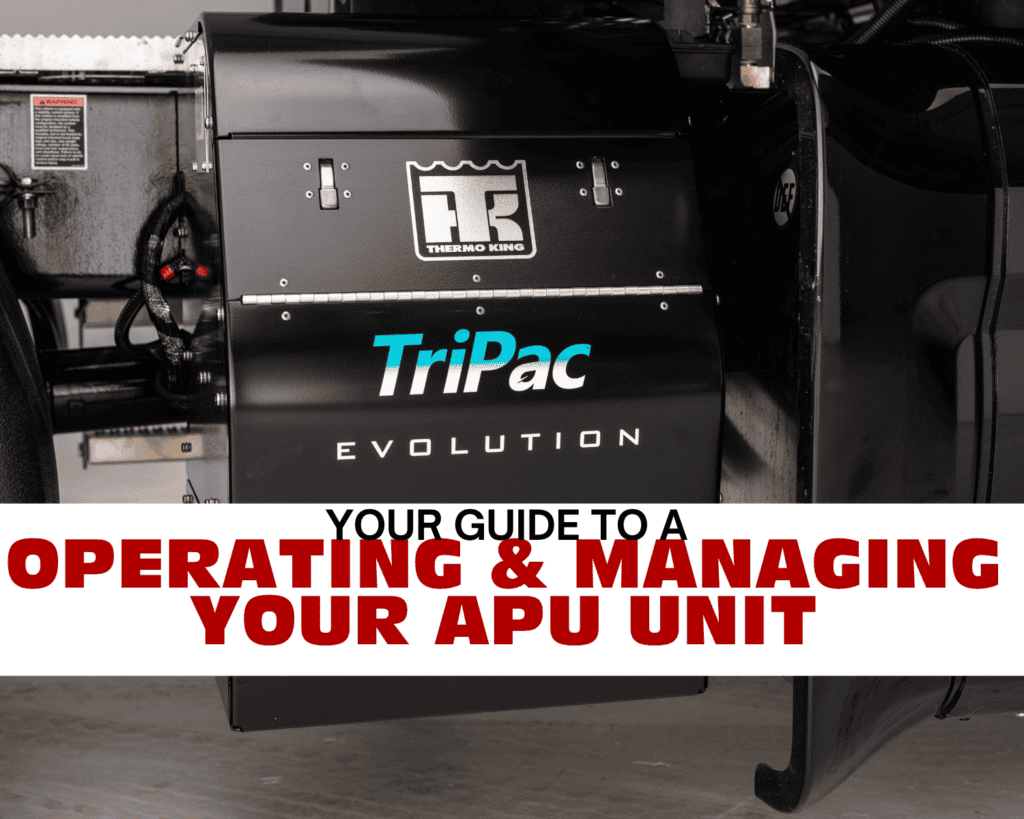
Accessing the Thermo King Tripac Evolution APU Unit
To begin, locate the APU unit on the outside of your truck.
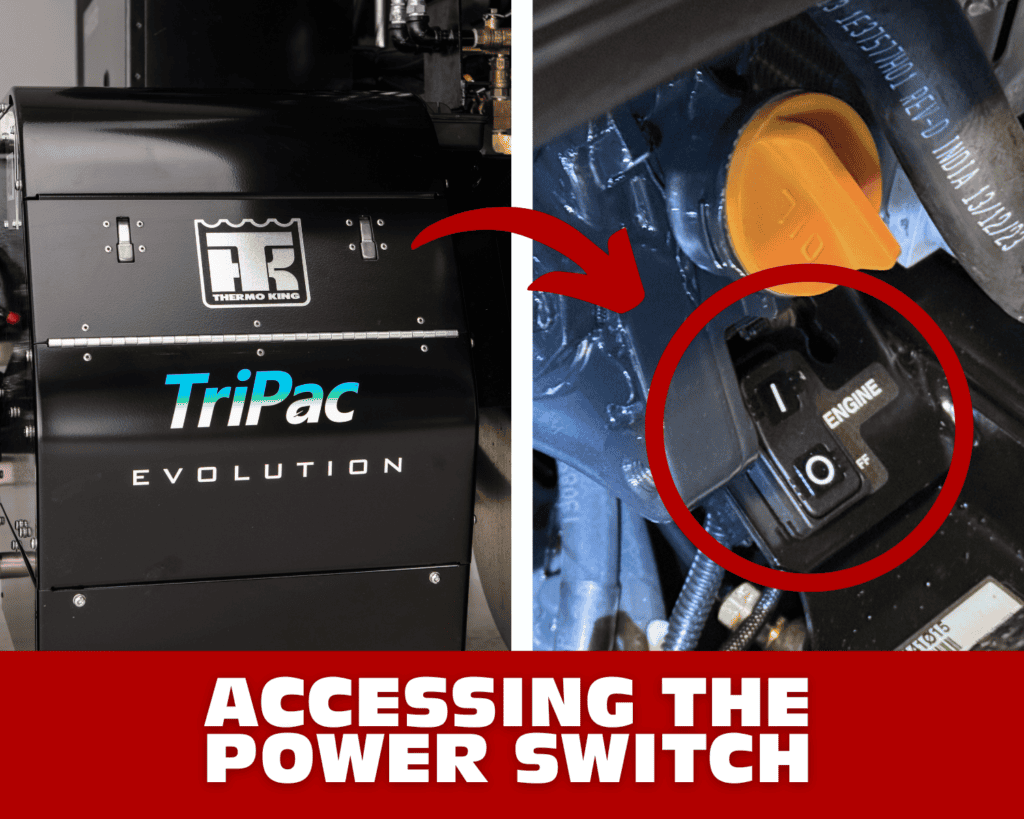
- Open the Access Panel- Press the tabs to open the panel.
- Check the Toggle Switch- Ensure the toggle switch is in the “on” position. This setting ensures the APU is ready to run when activated from inside the truck.
Operating the APU Inside the Truck
Now, let’s move inside the truck to turn on and operate the APU.
- Powering On the APU:
– Press and hold the power button on the controller for about three seconds.
– The APU will start in AC mode (indicated by a snowflake icon). You can switch to heat or air circulation mode as needed.
- Adjusting Settings:
– Use the temperature dial to set your desired temperature.
– Adjust the fan speed using the fan control knob.
Operating the APU Inside the Truck
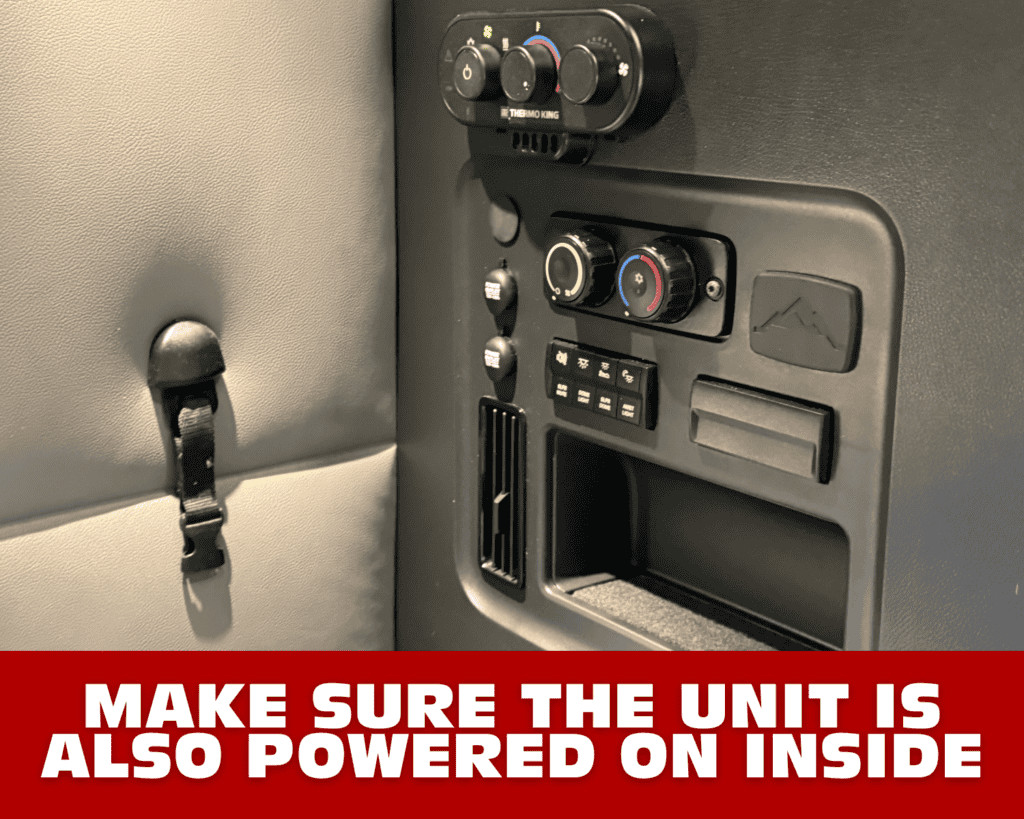
Powering On the APU
Press and hold the power button on the controller for about three seconds.
The APU will start in AC mode (shown by the snowflake icon). You can switch to heat or air circulation mode as needed.
Adjusting Your Settings
Use the temperature dial to set your preferred temperature.
Adjust the fan speed using the fan control knob.
Understanding the Startup Process
After turning it on, the APU will go through a short startup sequence that includes priming fuel and heating the glow plugs.
You’ll hear a beeping sound during this phase. This simply means the APU is preparing to run. The process usually takes 10–15 seconds.
Checking the Hour Meter and Diagnostics
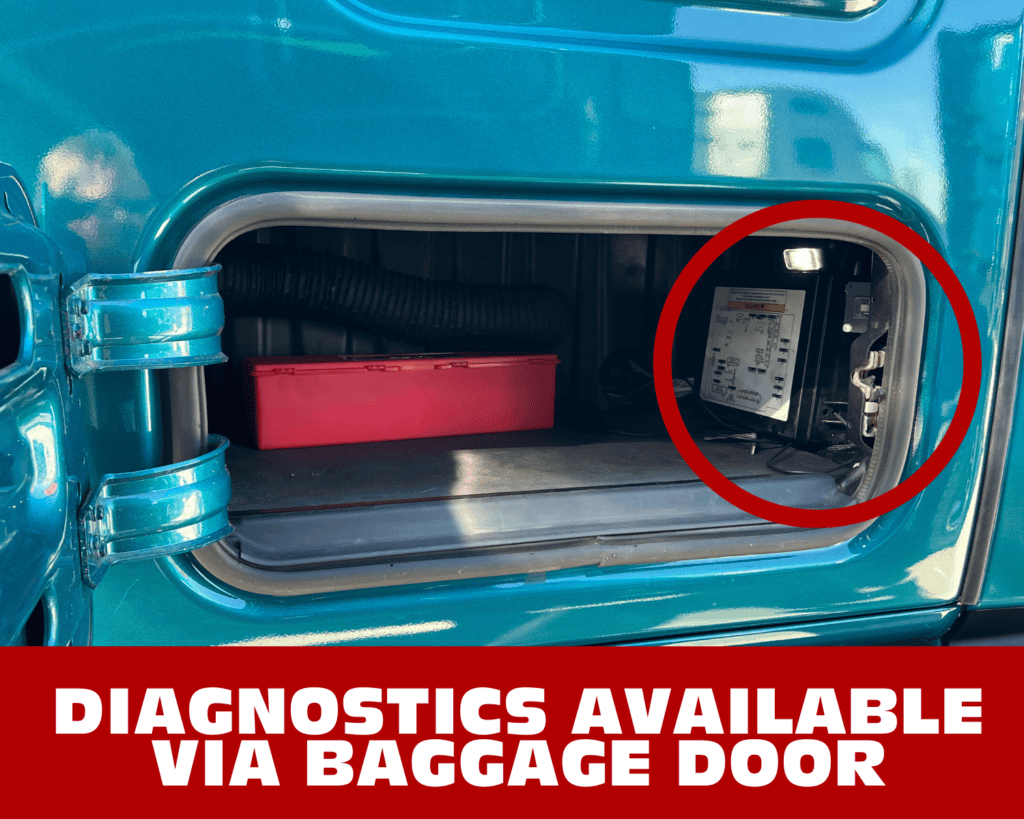
Checking the APU Hour Meter
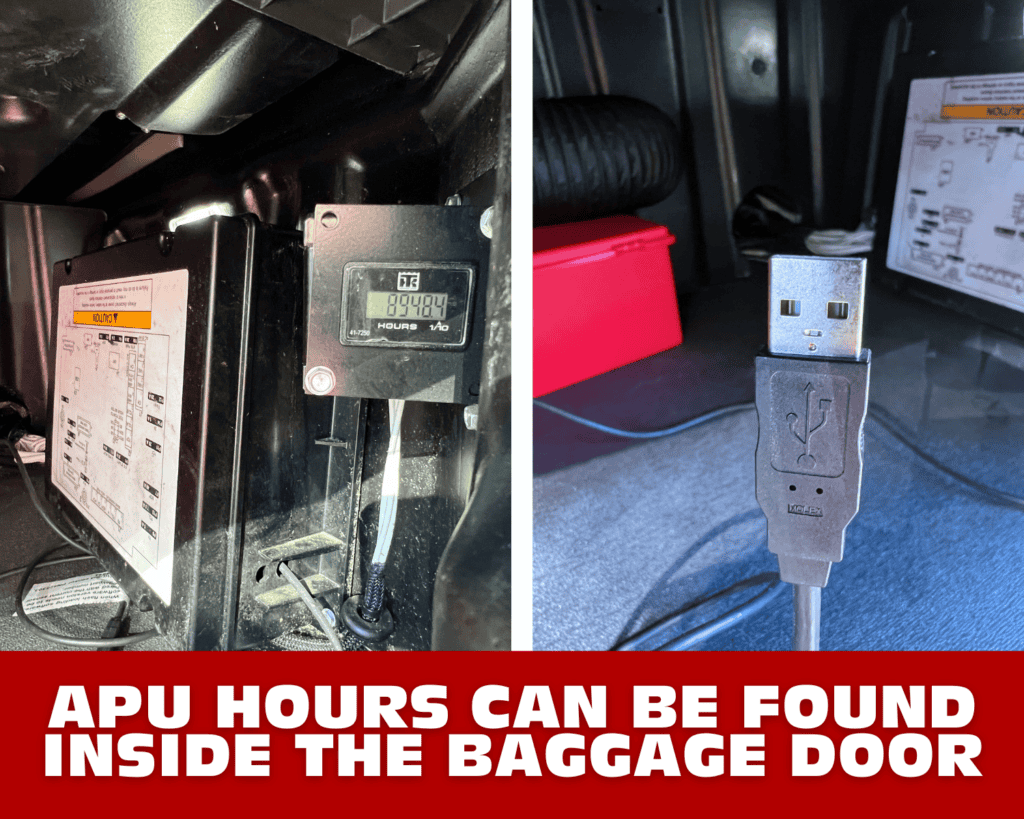
Locate the hour meter inside the luggage door of your Freightliner truck.
This meter shows the total hours of APU operation and can help identify potential issues.
If you ever need professional diagnostics, technicians can plug their computers into the built-in cable located in the same area.
Turning Off the APU
Powering Off the APU
There are two ways to shut down the APU:
Using the Controller
Hold the power button on the controller for three seconds to turn the unit off.
Using the Key
Turn your truck’s key to the “on” position without starting the engine.
This sends a signal to the APU to shut down and helps prevent the truck engine and APU from running at the same time, which can damage the batteries.
Adding Oil and Coolant
Maintaining Your APU
Proper maintenance includes checking and refilling both the oil and coolant levels.
Oil
Use the oil fill port to add oil as needed.
Check the oil level using the dipstick.
Coolant
Add coolant to the designated fill port.
The APU pulls fuel directly from your truck’s main fuel tank, so no separate fuel source is required.
Standard Equipment on Every Truck
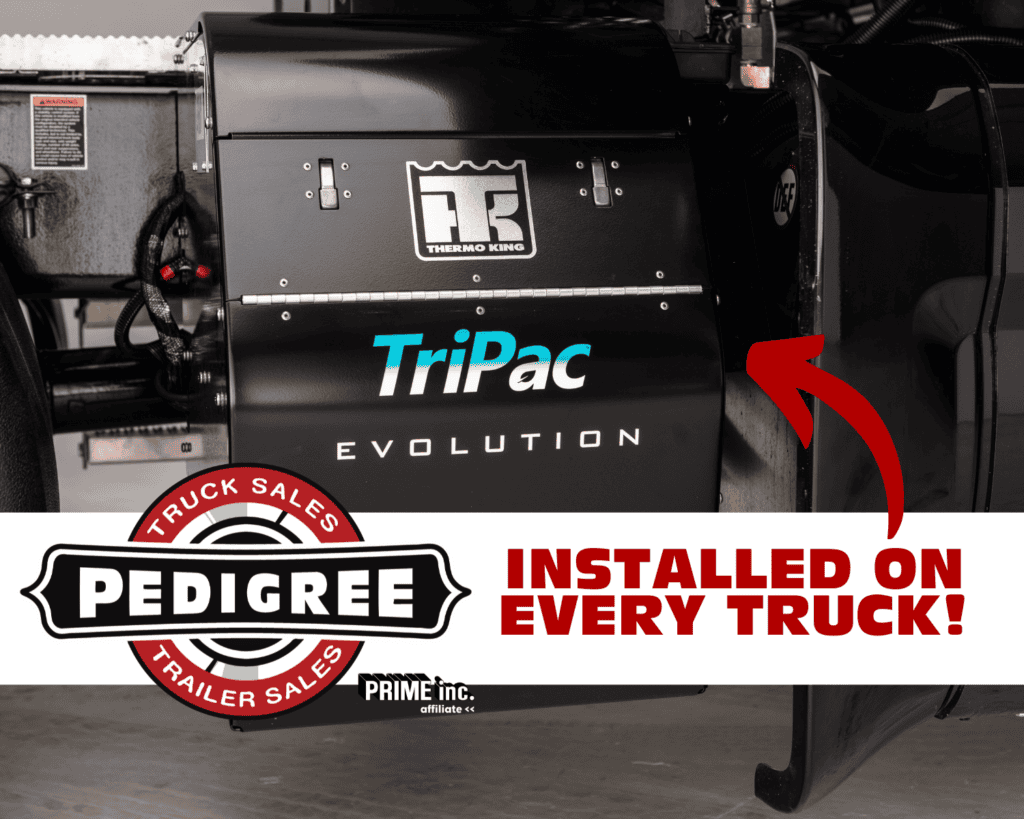
Every truck at Pedigree Truck Sales comes equipped with a Tripac Evolution APU as a standard feature. Because of this, you’re able to stay comfortable and energy-efficient wherever your journeys take you.
With that in mind, we hope this guide helps you operate and manage your APU with confidence. If at any point you have questions or need further assistance, feel free to reach out to us at Pedigree Truck Sales. Until then, safe travels!